Barcode Scanner
Upload or Paste Your Image
Waiting for a Barcode to be scanned...
What is a Barcode Scanner?
A barcode scanner reads the black and white bars of a barcode and converts them into digital information. Barcodes are used worldwide for product identification, inventory management, and data tracking across various industries including retail, healthcare, manufacturing, and logistics.
Our barcode scanner uses advanced image processing technology to detect and decode multiple barcode formats from both live camera feeds and uploaded images. It provides detailed parsing of product codes, extracting country codes, manufacturer information, and product identifiers for comprehensive data analysis.
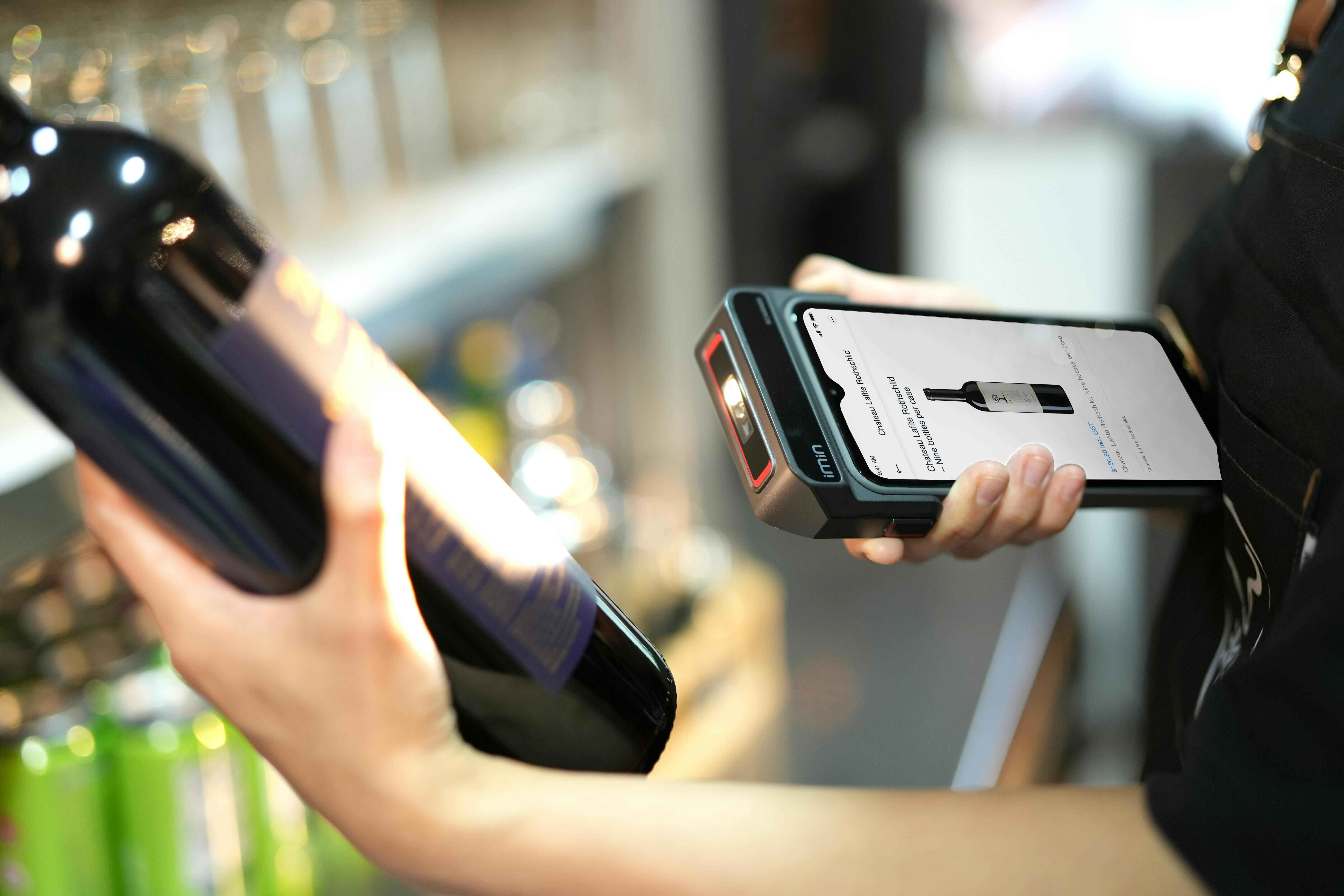
How to Scan QR Codes with Scanner Bot
No app installation required. Scan QR codes directly in your browser with Scanner Bot.
On Desktop
- Open Scanner Bot in your browser (Mac, Windows, Linux).
- Click "Start Scanning" to activate your webcam.
- Allow camera access and hold the QR code horizontally in front of the webcam.
On Mobile
- Launch Scanner Bot in your mobile browser (iOS & Android).
- Allow camera access when prompted.
- Point your phone's camera at the QR code horizontally for best results.
Industry Applications for Scanner Bot
Discover how Scanner Bot enhances efficiency and user experience across industries with QR code scanning.
Retail & E-commerce
- Product info via QR codes
- Digital receipts
- Loyalty program access
- Promotional offers
- Contactless payments
Logistics & Delivery
- Package tracking QR codes
- Delivery verification
- Contactless handoffs
- Route optimization
- Proof of delivery
Healthcare
- Patient ID QR codes
- Medical records access
- Prescription verification
- Appointment check-in
- Vaccine passports
Events & Hospitality
- Digital tickets via QR codes
- Menu access
- Event check-in
- Contactless ordering
- Guest management
Education & Libraries
- Digital resource access
- Student ID QR codes
- Library book checkout
- Event registration
- Course material links
Business & Marketing
- Business card QR codes
- Website links
- Social media profiles
- Campaign tracking
- Customer feedback forms
Frequently asked questions
Our barcode scanner supports multiple formats including EAN-13, UPC-A, Code 128, Code 39, and QR codes. It can read product barcodes, industrial codes, and general-purpose barcodes.
The scanner uses advanced image processing and the ZXing library for high accuracy. It works best with clear, well-lit barcodes and can handle various image qualities.
Yes! You can upload images containing barcodes in PNG, JPG, or JPEG formats. The scanner will automatically detect and decode the barcode from the uploaded image.
For product barcodes (EAN-13, UPC-A), it extracts country codes, manufacturer codes, product codes, and check digits. For other types, it shows the raw data and format information.
Yes, all scanning is done locally in your browser. No images or barcode data are sent to our servers. Your privacy is fully protected.
Absolutely! You can copy the raw barcode data or any parsed information to your clipboard with a single click for easy sharing or reference.